

Thanks for downloading. You’re all set.
Chat Digest is now in your browser. Pin the extension, open it from any tab, and start getting clearer answers from every AI.
No credit card. No subscriptions.
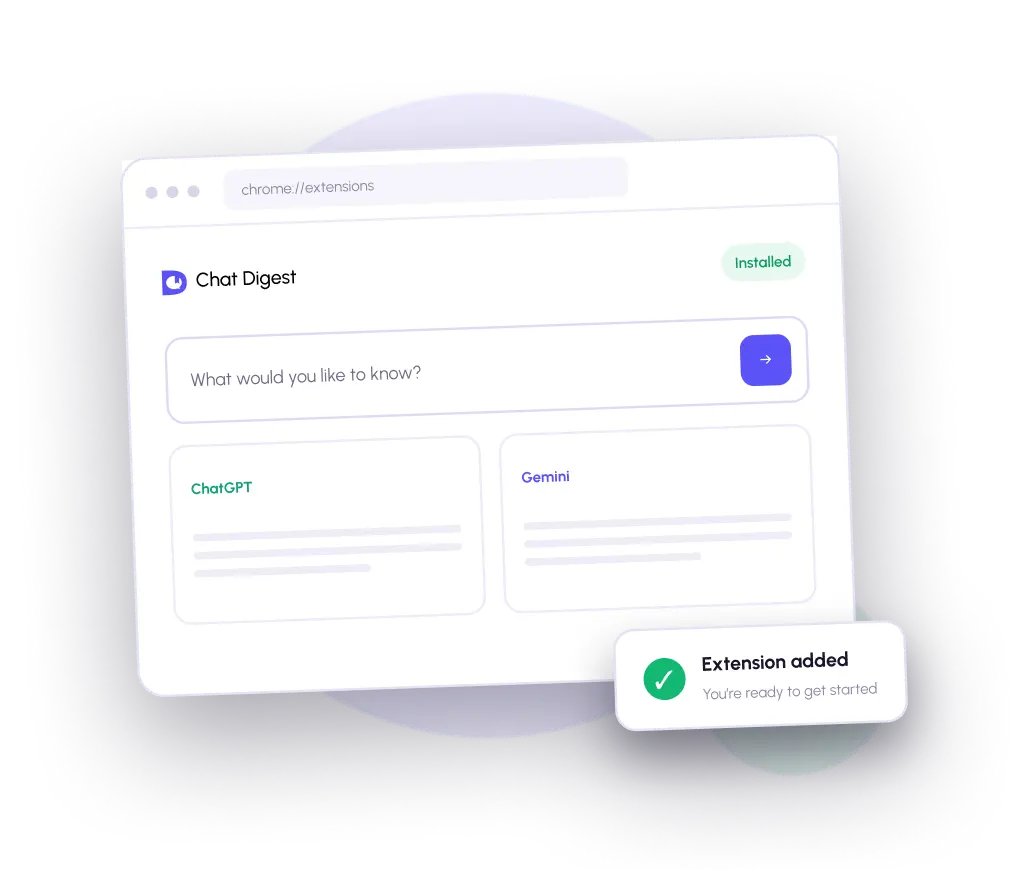
Everything you need. Nothing you don’t.
Tick the models you want from one dropdown, or hit Select All. Each model also has its own shortcut in the sidebar, one click away.

Chat Digest lives beside your tabs, so the tools you need are always one click away.

No credit card, no complicated setup, and no subscription required to try it.

Save useful answers and return to them whenever you need a quick refresher.
How to get started
Set up Chat Digest in under a minute, then ask your first question.
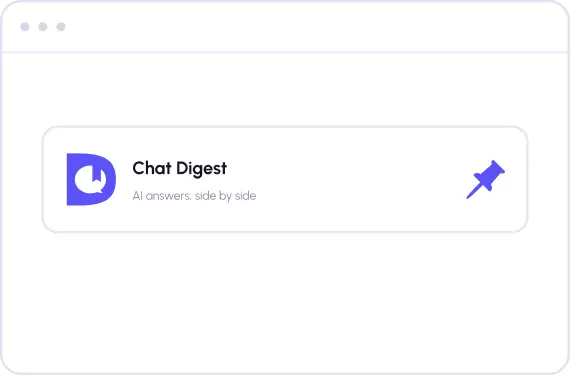
Keep Chat Digest within reach.
Open the extensions menu in Chrome, find Chat Digest, and select the pin so it stays visible in your toolbar.
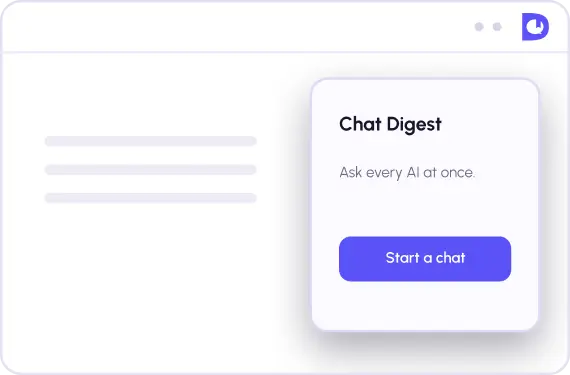
Launch it from any tab.
Click the Chat Digest icon in your browser toolbar. The extension opens in a clean side panel without interrupting your flow.
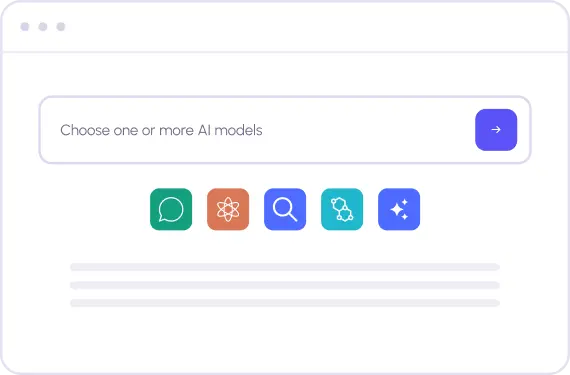
Type once. Get more perspective.
Enter a question, choose the AI models you want to hear from, and compare their answers side by side.